



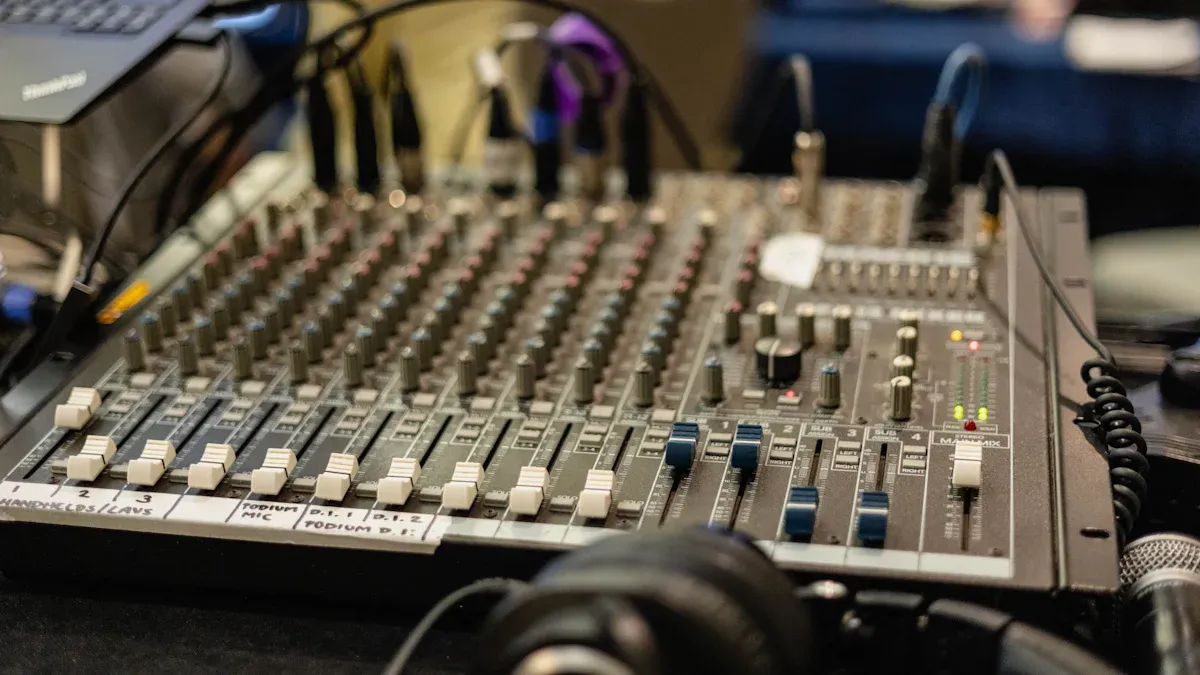
A stereo DI box lets people connect instruments or audio sources to sound systems easily. Making the right connection is important for clean and clear sound. If you set up a stereo DI box the right way, you get the best signal, less noise, and fewer problems with interference. This setup also helps devices work well together, so the sound stays strong and balanced. Both the active DI Box and the passive DI Box, like the Passive DI Box PD1L, make it easy for anyone to get great sound in live shows or in the studio.
要点
A stereo DI box lets you connect instruments with stereo outputs to sound systems. This helps the sound stay clear and balanced.
Use the right cables and inputs when you set it up. Always connect both left and right outputs for real stereo sound.
Pick passive or active DI boxes depending on your instrument’s output level. Passive boxes work well with instruments that have high output. Active boxes are better for instruments with low output.
Use ground lift and pad switches to lower noise and stop distortion. These switches help keep the sound good.
Test your setup one step at a time to fix problems like signal loss or hum. This helps you get clean and steady sound.
What is a stereo DI box?
A stereo DI box helps musicians and audio engineers connect instruments or audio sources with stereo outputs to sound systems. This device changes unbalanced signals into balanced ones. Balanced signals have less noise and sound clearer. People use stereo DI boxes in live shows and studios. They help keep the sound strong and stop interference.
Function/Component | 説明 |
|---|---|
Electrical Ground Isolation | Keeps the input and output electrically separate. |
インピーダンス・マッチング | Makes sure the source and load work well together. |
Types of DI Boxes | There are two main types: passive transformer and active electronic. |
パッシブDIボックス | Does not need power and uses transformers for isolation. |
アクティブDIボックス | Needs phantom power or batteries and may use transformers for output. |
Transformerless DI Circuit | Uses op-amps for output but does not have true galvanic isolation. |
Stereo vs. mono DI boxes
A mono DI box works with one signal at a time. People use it with guitars or basses. A stereo DI box, also called a two-channel DI, can handle two signals at once. This is good for instruments with stereo outputs, like keyboards.
Mono DI box: Handles one mono signal.
Stereo DI box: Handles two mono signals at the same time. It is great for stereo instruments.
When to use a stereo DI box
Musicians use a stereo DI box when they want to send stereo sound to the main speakers or a recording system. This is important for keyboards, digital pianos, and other instruments with stereo effects. A stereo DI box keeps the stereo sound clear and full. This makes performances and recordings sound better.
Tip: Using stereo is best for keyboards and pianos. It keeps the effects and natural sound. If you cannot use stereo, set the instrument to mono mode. This helps keep the sound quality.
A stereo DI box is useful in live shows and studio sessions. It helps pianos and keyboards sound their best by keeping the stereo effects that make music more exciting.
How to connect a stereo DI box

Input and output setup
To set up a stereo DI box, you need to use the right cables. Most stereo DI boxes have two input spots. These are usually called “Left” and “Right” or “Input 1” and “Input 2.” You plug in instruments or devices that make stereo sound, like keyboards or digital pianos.
Here is how you do a basic setup:
Plug the left output from your instrument into the “Left” input on the DI box.
Plug the right output from your instrument into the “Right” input on the DI box.
Use good TS cables for these steps. TS cables are fine for short cables. The DI box changes the unbalanced signal to a balanced one. Balanced signals are better for long cables.
If your instrument has only one stereo output, like a TRS jack, use a Y-cable or adapter. This splits the stereo sound into two mono channels before you connect to the DI box.
If you want to hear your sound on stage, connect the “Thru” or “Link” outputs on the DI box to your amplifier.
Tip: Always read the labels on your DI box and cables. If you use the wrong input or output, you might lose sound or only hear one side.
A common mistake is plugging in just one cable and forgetting the other. This means you lose half of the stereo sound. Always use both inputs for real stereo sound.
Connecting to mixers and interfaces
After you connect the inputs, hook up the outputs of the DI box to your mixer or audio interface. The DI box gives you balanced XLR outputs for each channel. Balanced cables help stop noise and interference, especially with long cables.
Connect the left XLR output of the DI box to one channel on your mixer or interface.
Connect the right XLR output to another channel.
Make sure both channels on the mixer or interface are set for line-level or mic-level signals. This depends on your DI box and other gear.
A stereo DI box works with mixers and audio interfaces. Mixers let you control live sound in real time. Audio interfaces help you record clean, high-quality sound. Pro audio engineer Mike Levine says:
“An interface is the base for any clean recording. A mixer is the main tool for live sound. Think about what you need before you buy.”
Mixers are great for live shows because you can change levels and effects fast. For studio recording, an audio interface with more inputs lets you record each channel by itself. Always use balanced XLR cables from the DI box to your mixer or interface. This keeps your sound strong and clear.
Mixers are best for live sound and quick changes.
Audio interfaces are best for recording and using digital audio workstations.
Use a DI box with regular audio gear to keep the sound good.
Note: TS cables can get noisy if they are too long. A stereo DI box changes these signals to balanced XLR, which keeps the sound clean.
If you connect everything the right way, your stereo DI box will send the full, rich sound of your instrument to your sound system or recording device.
Choosing the right DI box
Passive vs. active DI boxes
Many people ask which DI box is best for them. Passive and active DI boxes are different. The table below shows how they are not the same:
特徴 | Passive DI Boxes | Active DI Boxes |
|---|---|---|
所要電力 | No power source needed | Requires power (battery or phantom) |
Signal Amplification | No amplification; relies on instrument output | Includes preamp for signal amplification |
周波数特性 | Generally narrower frequency response | Wider frequency response |
Cable Length | Limited cable run distance due to higher impedance | Longer cable runs possible due to lower impedance |
Suitability | Best for high-output sources | Ideal for low-output instruments |
価格 | Typically cheaper | Usually more expensive |
Passive DI boxes are good for instruments with strong signals. Keyboards and synthesizers work well with them. Active DI boxes help when the signal is weak. Old guitars or basses often need active DI boxes. The table below shows when to use each one:
Type of DI Box | Ideal Use Cases | 備考 |
|---|---|---|
パッシブ | Higher output instruments (e.g., keyboards) | No power needed, not ideal for low output instruments |
アクティブ | Low output instruments (e.g., vintage guitars) | Needs power, includes preamp for higher output signal |
Musontek PD1L and AD1L features
Musontek makes both passive and active DI boxes. Each one has special features for different needs.
Musontek Passive DI Box PD1L:
It does not need batteries or outside power.
You can set it up fast and easily.
It keeps the real sound of your instrument.
It can handle loud sounds without getting fuzzy.
The ground lift switch helps stop hum and buzz.
The pad switch lowers the signal to stop distortion.
Merge mode lets you use line-level or instrument signals.
The phase reverse switch can fix phase problems.
Musontek Active DI Box AD1L:
It gives clear sound with a special circuit and Class A buffer.
The sound is sharp and good for pro use.
You can connect it to mixers, amps, and pedals.
The ground lift switch helps stop hum and noise.
The pad switch changes the signal for different instruments.
Musontek makes both models strong and clear. The PD1L is best for loud instruments and easy setups. The AD1L is better for quiet instruments and when you want extra clear sound.
Tips for best results with a stereo DI box
Reducing noise and hum
Noise and hum can make sound setups worse. Musicians and engineers often deal with these problems at shows or in studios. Using balanced connections helps stop extra noise. Balanced cables send the signal in a way that blocks outside interference. This keeps the sound clean, even if the cable is long.
Ground loops are another reason for hum. A ground loop happens when two devices share more than one ground path. This can cause a buzzing sound. Many stereo DI boxes have a ground lift switch. This switch breaks the ground link between input and output. It can help get rid of hum. But always check for safety before using the ground lift. If there is still hum, check the input design or try new cables to fix it.
Professional audio engineers say a good DI box gives the best results. The table below shows tips for better live sound:
Tip | 説明 |
|---|---|
Choose the right DI box | Picking the right DI box is important for good live sound. |
Utilize ground-lift facilities | This feature helps stop ground-loop hum, which is common in live shows. |
Invest in quality components | Better DI boxes give better sound and last longer than cheap ones. |
Using ground lift and pad switches
A stereo DI box usually has ground lift and pad switches. These switches help stop sound problems and make the sound better.
The ground lift switch breaks ground loops. This helps stop buzzing and humming in the sound.
The pad switch lowers strong signals. This stops distortion and lets the DI box work with many instruments.
Audio engineers use these switches to fit the DI box to each instrument. For example, a loud keyboard may need the pad switch on. A guitar with a ground loop may need the ground lift switch. These easy changes help keep the sound clear and free from noise.
Tip: Always listen to the sound after changing a switch. Small changes can really help the sound.
Troubleshooting common issues
Fixing signal loss or distortion
Signal loss or distortion can happen in any audio setup. Stereo DI boxes help stop these problems, but sometimes they still show up. Musicians and engineers can try a few easy things to fix them:
Pick the right DI box for your instrument. Passive DI boxes are best for loud instruments like keyboards. Active DI boxes work better for quiet ones like old guitars.
Check every cable connection. Loose or broken cables can make the sound weak or noisy.
Make sure the DI box matches the signal level. The wrong type can make the sound distorted.
Connect all devices the right way to avoid grounding problems. Bad grounding often causes signal trouble.
If you still hear distortion, try another DI box, especially with electronic keyboards.
Tip: Test each part of the signal chain one at a time. This helps you find where the problem starts.
Here is a table to help with fixing signal problems that come and go:
Step | 説明 |
|---|---|
1 | Plug all your gear into one power source to stop grounding issues. |
2 | Check if phantom power is on. Turn it off or use a blocker if needed. |
3 | Look for tricky grounding problems and check each cable carefully. |
Avoiding phase and ground loop problems
Phase and ground loop problems can make hum, buzz, or weak sound. These problems often happen when devices use different power outlets. This can make more than one path for electricity, which causes noise.
A ground loop usually sounds like a steady hum. If plugging in a new device with a three-prong plug makes noise, it might be a ground loop. Using a 3-prong to 2-prong adapter can help you check. Unplug audio cables one by one and listen for changes to find the problem. The ‘lift test’ means you disconnect equipment grounds for a short time to see if a ground loop is there.
Note: The ground lift switch on a DI box can break the loop and stop hum or buzz.
Fixing these problems gives you some good things:
ベネフィット | 説明 | インパクト |
|---|---|---|
🔇 Noise Elimination | Gets rid of hum, buzz, and interference | Cleaner, more pro sound |
🛡️ Equipment Protection | Stops damage from voltage problems | Longer life for your gear |
🎯 Signal Integrity | Keeps the original sound quality | Clear, true sound |
If you follow these steps, your stereo DI box setup will sound clean and work well.
A stereo DI box helps musicians and engineers get clear sound in live shows and studios. They connect instruments, match signals, and reduce noise. Key steps include choosing the right DI box, setting up inputs and outputs, and using features like ground lift and phase reverse switches.
Select the correct DI box for each instrument.
Use ground lift and phase reverse switches to fix sound problems.
Try different setups to find the best sound.
Clean and reliable sound starts with careful setup and smart choices.
よくあるご質問
What instruments need a stereo DI box?
Keyboards, digital pianos, and synthesizers often use stereo DI boxes. These instruments have stereo outputs. A stereo DI box keeps effects and panning clear when connecting to mixers or audio interfaces.
Can a stereo DI box work with mono sources?
Yes. A stereo DI box can handle mono sources. Plug the instrument into one input. Leave the other input empty. The DI box will send the mono signal to one channel.
Why does a DI box have a ground lift switch?
The ground lift switch helps remove hum or buzz caused by ground loops. This feature breaks the ground connection between devices. It keeps the audio signal clean.
How do you know if you need an active or passive DI box?
Choose an active DI box for low-output instruments like vintage guitars. Use a passive DI box for high-output sources like keyboards. Check your instrument’s output level before deciding.



