



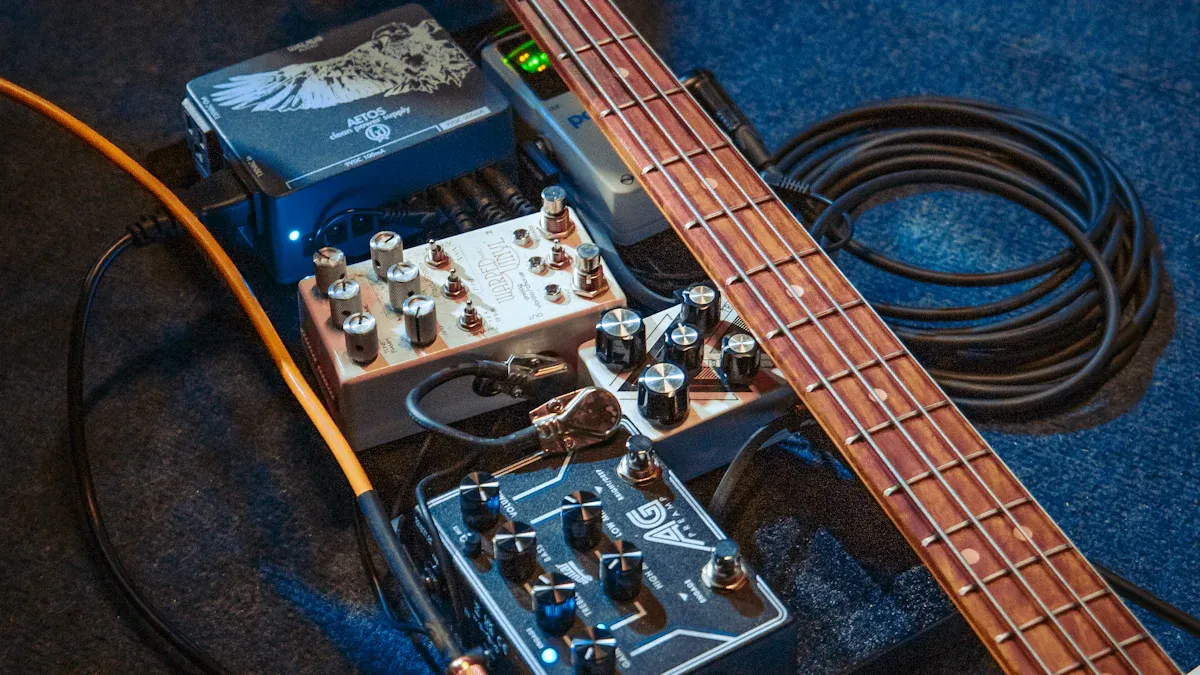
If you play bass, you might wonder which effects sound best with a pédale d'effet boost. You can try overdrive, distortion, EQ, compression, envelope filter, and modulation. Musontek Boost Effect Pedal, The Shit Power, gives you a clean boost, very low noise, and tons of versatility. Check out these features:
Fonctionnalité | Description |
|---|---|
Clean Boost | Powerful full-frequency gain up to 21dB. |
Buffer & Clean Boost | Buffers your signal without losing tone. |
Class A Discrete Buffer Circuit | Keeps your sound clear with low background noise. |
Voltage Input Range | Handles 9V to 18V for strong headroom. |
Vintage & Modern Buffer Types | Switches between warm vintage and sharp modern sounds. |
You want your bass to stay punchy and clear. The right setup helps you avoid muddiness.
Principaux enseignements
Use a boost effect pedal to make your bass sound better. It makes your sound clearer and stronger. This helps your bass stand out in the music.
Try changing the order of your pedals. If you put the boost pedal before overdrive, your sound gets thicker. If you put it after, your sound stays clean.
Change EQ settings with care. Boosting mids and lowering low sounds can stop your bass from being muddy.
Use compression to keep your volume steady. It helps every note be heard well.
Try effects like envelope filters and modulation. These can make your bass lines more fun and interesting.
Overdrive and Distortion
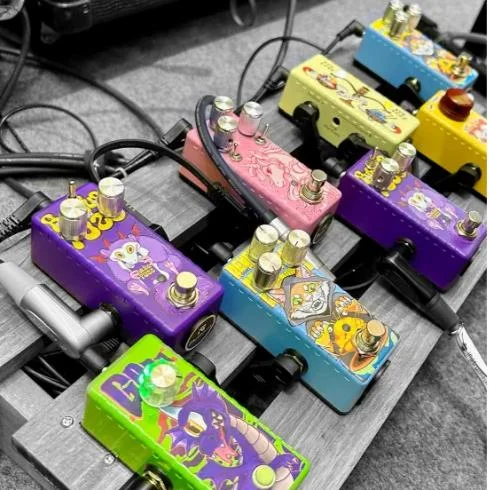
Boost Effect Pedal for Bass Overdrive
You want your bass to sound bold and lively. Overdrive pedals help you get that gritty, warm tone. When you pair an overdrive with a boost effect pedal like Musontek’s The Shit Power, you unlock even more dynamic response. The boost effect pedal gives your signal extra strength, so your bass can punch through the mix without losing clarity.
Where you place your boost effect pedal matters. If you put it before your overdrive, you get a thicker drive tone. Your sound feels richer and more textured. If you place the boost effect pedal after the overdrive, your signal stays cleaner and clearer. You keep the natural tone of your bass while still getting a volume lift.
Here are some popular overdrive pedals that work great with a boost effect pedal:
BYOC Crown Jewel: Lets you blend clean and driven tones for a dynamic sound.
Dr Scientist The Elements: Delivers amp-like overdrive and has a Clean Blend for shaping your tone.
Origin Effects RevivalDrive Compact: Offers a Blend control for more versatility.
Pettyjohn Electronics Iron MKII: Features Clean Blend for peak shaping and dynamic response.
Walrus Audio Ages: Has a Dry control so you can mix clean and boosted signals.
Want to dial in your settings? Try this simple approach:
Set the gain or drive knob to its lowest setting.
Adjust the level knob so your output matches your input (unity gain).
Put the tone knob at the middle position (12 o’clock).
Slowly raise the level knob to make your tone fuller.
Gradually increase the gain or drive knob to add overdrive.
Tip: Start with less gain. You can always add more if you want a heavier sound.
Distortion Settings for Bass Guitar
Distortion pedals give your bass a more aggressive edge. You can use a boost effect pedal to push your distortion pedal harder, making your bass roar without losing control. The Shit Power’s clean boost and low noise help you keep your tone tight, even when things get wild.
Check out this table for quick setting ideas:
Setting Type | Recommendation | Purpose |
|---|---|---|
EQ Settings | Use a specialized bass overdrive pedal | Avoid negative effects on low end |
High Frequencies | Boost treble frequencies | Emphasize string attack |
Low Frequencies | Cut bass frequencies | Tame boomy sub-bass sounds |
You want to keep your low end clear. Too much distortion can make your bass sound muddy. Try boosting treble for more attack, and cutting some bass if your sound gets too boomy.
Some bassists like to experiment with pedal order. You can put your boost effect pedal before or after your distortion. Before the distortion, you get a thicker, more saturated sound. After the distortion, you get a cleaner boost that lifts your volume without changing your tone.
Note: Every bass and pedal setup is different. Don’t be afraid to try new combinations until you find your favorite sound.
EQ and Tone Shaping
Using Boost Effect Pedal with EQ
When you want to shape your bass tone, pairing an EQ pedal with a boost effect pedal can make a big difference. You can use the boost effect pedal to give your signal more strength before it hits the EQ. This helps your EQ pedal work better and gives you more control over your sound. For example, Musontek’s The Shit Power offers both clean boost and buffer modes. You can switch between a warm vintage sound or a sharp modern tone, depending on what you like.
Some EQ pedals, like the Tone Job EQ & Boost, let you adjust bass, mid, and treble. You can place your pédale d'effet boost before or after the EQ. If you put it before, you push the EQ harder and get more dramatic changes. If you put it after, you keep your EQ settings and just make your whole sound louder. Try both ways to see what fits your style.
Tip: Start with small EQ changes. Boost or cut just a little at first. You can always add more if you need it.
Maintaining Bass Clarity and Punch
You want your bass to sound clear and punchy, not muddy. Here are some easy ways to keep your tone tight when stacking a boost effect pedal with EQ and other effects:
Boost the mids to help your bass cut through the mix.
Place your EQ after distortion to control your bass response.
Bring back any lost frequencies without changing your main tone.
Muddiness often comes from too much overlap in the low-mid range, especially between 150 and 450Hz. Saturation and distortion can add more low-mids, which makes things worse. High-frequency masking around 250Hz can also hide the crisp parts of your sound.
To avoid muddiness, try these steps:
Use a high-pass filter on your EQ to cut out extra low frequencies.
Slowly raise the filter until your bass sounds thin, then back it off a bit.
Use dynamic EQ to tame any boomy spots in the low-mids.
Add a touch of high-end with an exciter if your sound needs more sparkle.
Remember: Every bass and pedal setup is different. Trust your ears and adjust until your bass feels just right.
Compression and Dynamics
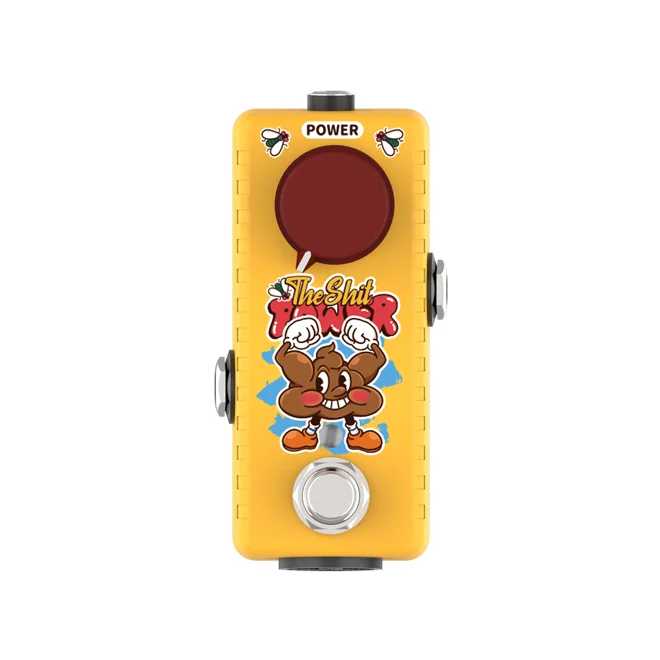
Boost Effect Pedal for Consistent Volume
You want your bass to sound steady and strong, no matter how hard or soft you play. That’s where compression comes in. When you use a boost effect pedal with a compressor, you get a smooth, even sound. The boost effect pedal helps your quiet notes stand out, while the compressor keeps your loud notes from jumping out too much. This combo makes your bass line sit perfectly in the mix.
A compressor works by lowering the volume of your loudest notes and raising the softer ones. This keeps your sound balanced. If you play live or record in the studio, you’ll notice your bass feels more controlled and powerful. You can play with confidence, knowing every note will be heard.
Dynamic Control for Bass Players
Getting the right settings on your compressor can make a big difference. Here’s a simple table to help you dial in your sound:
Setting | Recommended Value | Description |
|---|---|---|
Threshold | Around the quietest played note | Sets when compression starts, so all your notes stay even. |
Ratio | 8:1 | Gives strong compression for a tight, punchy sound. |
Attack | 20ms | Lets the first part of your note come through before compressing. |
Release | 50ms | Makes the compression fade out smoothly between notes. |
Gain | Match input and output | Keeps your volume steady with or without compression. |
Some great compressor pedals for bass include the MXR M87 Bass Compressor, EBS MultiComp, and Keeley Bassist Compressor. These pedals are easy to use and sound great with any setup. Try starting with the settings above, then tweak them until your bass feels just right.
Tip: Listen closely as you play. If your bass sounds too squashed, lower the ratio or raise the threshold. If it feels too wild, try a faster attack or higher ratio. Trust your ears and have fun experimenting!
Envelope Filter and Modulation
Boost Effect Pedal Enhancing Filter Response
Do you want your bass to sound more fun and lively? Try using an envelope filter with a boost effect pedal. The boost effect pedal makes your signal stronger. This helps the filter react faster and with more punch. You get a funky sound that stands out in any band. If you play softly, the filter opens slowly. If you play hard, the boost makes the filter snap and pop. You can control your tone just by how you play.
Envelope filters work best with a strong, clean signal. If your bass signal is weak, the filter may not work well. The boost effect pedal fixes this problem. You can set the boost level to match your playing. Then let the filter do its job. Your bass will sound tighter and more focused.
Here are some envelope filter pedals that work well with a boost effect pedal:
MXR M82 Bass Envelope Filter
Source Audio Spectrum Intelligent Filter
C4 Synth
Iron Ether Xerograph
Aguilar Filter Twin
Emma DiscumBoBulator
Josh Wah
Pigtronix Resotron
SubDecay Prometheus DLX
Tip: Try different filter pedals to find one you like. Each pedal sounds and reacts in its own way.
Creative Modulation Effects for Bass
Modulation pedals add movement and color to your bass sound. You can use chorus, flanger, phaser, or tremolo to make your bass lines shimmer and swirl. When you use a boost effect pedal, you give these effects a stronger signal. Your modulation effects sound clearer and stand out more. You can make deep, rich textures or soft waves, depending on your settings.
Some popular modulation pedals for bass are Boss CEB-3 Bass Chorus, Electro-Harmonix Bass Clone, MXR Phase 90, and TC Electronic Corona Chorus. These pedals help you shape your sound and make your playing more exciting. You can try different combinations to find your favorite style.
Note: Modulation effects can sometimes hide your low end. If you want your bass to stay punchy, use the blend or mix knob to control how much effect you hear.
Pedal Order and Signal Chain
Best Placement for Boost Effect Pedal
Where you put your boost effect pedal in your signal chain can change your whole sound. You want your bass to stay clear and strong, so let’s look at a common order for bass pedals:
Bass
Accordeur
Compression
Wah or Envelope Filter
Octave
Overdrive, Distortion, or Fuzz
Noise Suppressor
QE
Modulation (Chorus, Flanger, Phaser)
Volume
Delay
Reverb
Amplificateur
You can place your boost effect pedal before your overdrive pedal if you want more gain and a thicker sound. If you put it after the overdrive, you get a clean volume lift without changing your tone. Some bassists like to put the boost pedal at the end of the chain to make everything louder. Others place it early to keep the signal strong before it hits other effects. Musontek’s The Shit Power works well in any spot because it gives you high headroom and very low noise.
Tip: Try moving your boost pedal around. Listen to how your sound changes. You might find a new favorite spot!
Avoiding Noise and Low-End Loss
When you use lots of pedals, you might hear extra noise or lose some low-end punch. You want your bass to stay tight and powerful. Here are some ways to fix these problems:
Adjust your amp’s EQ to bring back lost low-end, especially if you use overdrive all the time.
Set your overdrive pedal at unity gain so your bass doesn’t get too quiet.
Use a clean blend knob to mix your clean tone with the effect. This keeps your low-end strong.
Try less drive or gain for a smoother sound that keeps your bass clear.
Musontek’s The Shit Power helps you avoid noise because it uses high-quality parts and a smart buffer circuit. You get a clean boost without hiss or hum. If your bass sounds muddy, check your pedal settings and try these tips.
Note: Every setup is different. Don’t be afraid to experiment. Move pedals around and listen for the best sound.
You can create amazing bass tones by pairing a boost effect pedal with overdrive, EQ, compression, and modulation. Musontek’s The Shit Power gives your sound clarity and punch. Try different pedal orders and settings to find what fits your style. Keep your low end tight with these tips:
Use a slower attack on your compressor for more thump.
Blend clean and distorted tracks for punch and texture.
A smart setup and quality pedals help you sound like a pro.
FAQ
Can I use a guitar boost pedal with my bass?
You can use a guitar boost pedal with your bass. Some pedals may cut low frequencies, though. Try Musontek’s The Shit Power for full-range clarity. Always listen to your tone and see if it fits your style.
Where should I place my boost pedal in the signal chain?
Most players put the boost pedal before overdrive for more gain or after for a clean volume lift. You can also try it at the end for a solo boost. Move it around and see what sounds best to you.
Will a boost pedal make my bass sound muddy?
A good boost pedal like The Shit Power keeps your bass clear. If your sound gets muddy, lower the gain or use an EQ to cut low-mids. Always trust your ears and adjust settings as needed.
Do I need a special power supply for my boost pedal?
Most boost pedals work with standard 9V power supplies. The Shit Power also handles up to 18V for extra headroom. Check your pedal’s manual to be sure.
What’s the difference between clean boost and overdrive?
A clean boost raises your volume without changing your tone. Overdrive adds grit and warmth. You can use both for more punch and character. Try stacking them for new sounds!



