




Ever spend hours turning knobs, but your guitar tone still feels off? You’re not alone. Many guitarists search for that magic sound, only to get lost in the mix. An equalizer guitar effect can help you finally shape your sound and fine-tune a guitar sound with real precision. The Musontek Remeowdel stands out as an essential tool for guitarists who want to perfect your tone. With an eq pedal, you can use this versatile tone-shaping tool to boost highs for brightness, cut lows for focus, or add body to your guitar tone.
EQ lets you:
Boost or cut frequencies for detailed tone shaping
Achieve a balanced sound across any music style
الوجبات الرئيسية
An دواسة المعادل lets you raise or lower certain frequencies. This helps you change your guitar sound in a careful way.
Where you put the EQ pedal in your setup changes your sound. Try it before distortion for a strong sound. Try it after distortion for a clear sound.
Try out different EQ settings to find new sounds. You can also fix problems like muddy or sharp tones.
Using an EQ pedal in fun ways can make your solos better. It can also help you copy other guitar sounds and make cool effects.
Do not make the mistake of raising frequencies too much. Small cuts usually give you a more real and nice sound.
EQ Pedal Basics
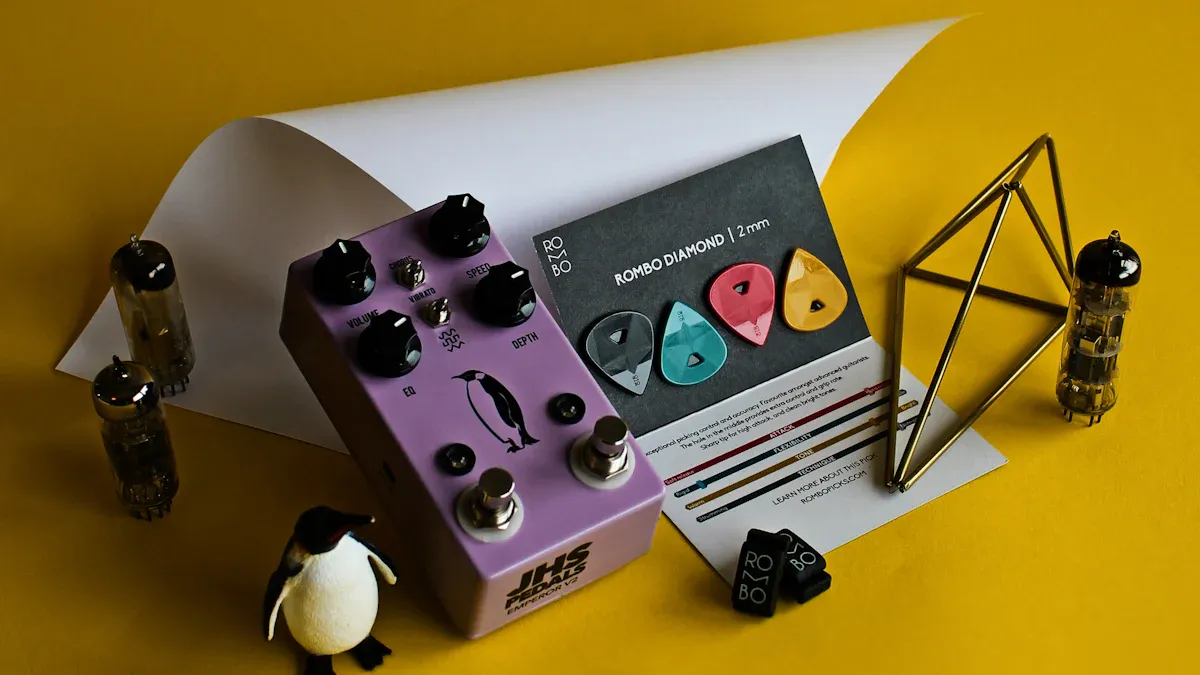
What Is an EQ Pedal?
An eq pedal is a powerful tool that lets you shape your guitar’s sound by changing the balance of different frequencies. Think of it like a sound sculptor. You can boost or cut certain parts of your tone to get exactly what you want. Here’s what an eq pedal does for you:
Lets you control lows, mids, and highs with simple knobs or sliders.
Boosts or cuts specific frequencies, so you can fix problems or create new sounds.
Fits anywhere in your signal chain, so you can experiment with different placements for unique results.
You’ll find that eq pedals focus on guitar-centric frequencies. For example, the lows sit between 80Hz and 250Hz, the mids from 250Hz to 800Hz, and the highs above 800Hz. If you want to brighten your sound, you can boost the highs. If your tone feels muddy, you can cut the lows or mids. Some eq pedals use sliders for each frequency band (graphic eq), while others let you adjust the width and center of each band (parametric eq). This gives you a lot of control over your sound.
Tip: Try different specific eq settings to see how your guitar reacts. Sometimes a small change makes a big difference!
Why It’s an Essential Tool for Guitarists
You might wonder why every guitarist should have an eq pedal. The answer is simple: it helps you sound your best in any situation. Whether you play live or record in the studio, an eq pedal gives you the power to fix problems and stand out in the mix.
Here’s a quick look at how you can use an eq pedal in different settings:
Setting | EQ Techniques |
|---|---|
Studio | Use high-pass filters to clean up low-end rumble. Cut around 300–500 Hz to reduce boxiness. Boost 1–2 kHz for presence. Try different specific eq settings for each track to add width. |
Live | Roll off low-end below 100 Hz to avoid boominess. Scoop 300–500 Hz to reduce muddiness. Boost 1.5–2.5 kHz to help your guitar cut through the band. |
With an eq pedal, you can solve problems fast. If your guitar gets lost on stage, a quick boost in the right frequency can help. If your recording sounds muddy, you can clean it up with a few tweaks. You get total control over your tone, no matter where you play.
Signal Chain Placement
Where you put your EQ pedal in the signal chain can totally change your sound. You might wonder, “Should I use my EQ before distortion or after?” Let’s break down what happens in each spot so you can find the best place for your style.
Before Distortion
Placing your EQ pedal before distortion means your guitar’s signal gets shaped before it hits any overdrive or fuzz. This setup lets you control which frequencies get pushed into the distortion pedal. For example, if you boost the mids or cut the lows with the eq before distortion, you can make your guitar stand out or tighten up a muddy sound. Many players use this trick to get a sharper attack or to avoid a boomy tone.
Here’s a quick look at how placement changes your sound:
Placement of EQ | الخصائص اللونية |
|---|---|
eq before distortion | Leads to congested low midrange and excess highs after clipping |
eq after distortion | Allows for more control over tonal characteristics post-distortion |
When you use eq before distortion, you shape the sound that gets distorted. This can make your guitar punchy or even a bit wild, depending on your settings. Some players love the extra grit and edge this gives.
In the Effects Loop
Now, let’s talk about putting your EQ pedal in the effects loop. Most amps have an effects loop that sits between the preamp and power amp. When you place your EQ here, you get to shape the sound after the amp’s preamp section but before it hits the speakers. This is where eq after distortion comes into play.
Why use the effects loop? Here are some reasons:
You get more control over your final tone.
The EQ has a stronger effect on your overall sound.
You can fix harshness or boost clarity after distortion and other effects.
Many guitarists find that eq after distortion in the effects loop gives them a cleaner, more polished sound. You can smooth out rough edges or add sparkle without making things muddy. Try putting your EQ first in the loop, before delay or reverb, for the best results.
Types of EQ Pedals
When you start exploring eq pedals, you’ll notice there are two main types: graphic EQ and parametric eq. Each one gives you a different way to shape your guitar sound. Let’s break down what makes them unique.
Graphic EQ
A graphic EQ pedal splits your sound into several frequency bands. You get a slider or knob for each band. This setup lets you boost or cut certain frequencies with a quick move. Most graphic EQ pedals focus on the mid-range, which is where your guitar really shines. You can use a graphic EQ to add punch, cut muddiness, or make your solos stand out.
Tip: Try boosting the mids on your graphic EQ to help your guitar cut through a busy mix.
Here’s a quick look at some common types of eq pedals and their features:
النوع | الميزات | Example |
|---|---|---|
6-Band Graphic EQ | Detailed tonal adjustments across six bands | J Rockett Melody OD |
10-Band EQ | Wide frequency control, digital or analog options | Boss EQ-200, Source Audio EQ2 |
5-Band EQ | Compact, easy to use, great for core tone shaping | Mooer Graphic G Mini |
3-Band EQ + Presence + Resonance | Adds extra controls for more tone shaping | Sinvertek N5+ |
You can see that graphic EQ pedals come in many shapes and sizes. Some offer just a few bands, while others give you ten or more. This variety means you can find one that fits your style and pedalboard.
Parametric EQ
A parametric eq pedal works a bit differently. Instead of fixed bands, you get to choose the exact frequency you want to adjust. You also control how wide or narrow the adjustment is. This gives you more flexibility than a graphic EQ.
You can use a parametric eq to remove unwanted low-end rumble with a high pass filter.
You can smooth out harsh highs without changing your whole sound.
You can boost the mids for solos without adding distortion.
Many guitarists love parametric eq pedals because they let you fine-tune your tone with precision. You don’t just pick a preset band—you dial in the exact spot that needs help. This makes parametric eq a favorite for players who want total control.
Note: If you want to shape your sound for different songs or styles, a parametric eq pedal can be your secret weapon.
Both types of eq pedals have their strengths. Graphic EQs are quick and visual. Parametric eq pedals give you surgical control. Try both and see which one helps you master your guitar sound.
Musontek Remeowdel Equalizer Guitar Effect
Features and Benefits
If you want a pedal that gives you total control over your guitar tone, the Musontek Remeowdel equalizer guitar effect stands out. This pedal packs a 3-band EQ, so you can easily cut or boost lows, mids, or highs. You get up to +15 dB on each band, which means you can shape your sound in big or small ways. The Remeowdel uses analog circuitry with JFET bypass and true bypass switching. When you turn it off, your signal stays pure. When you turn it on, you get a slight harmonic boost that makes your sound richer.
Here’s a quick look at what sets the Remeowdel apart:
الميزة | الوصف |
|---|---|
Transparent and Rich Sound | Gives you a clear tone that keeps your amp’s natural character. |
Generous Boost Range | Lets you boost or cut up to +15 dB per band for serious tone shaping. |
Analog Circuitry with JFET | Keeps your signal clean and adds warmth when engaged. |
Versatile Voltage Input | Works with 9-18V, so you avoid signal clipping and keep your sound clear. |
Compact and Intuitive Design | Simple controls make it easy to use on stage or in the studio. |
You can see why many players call this pedal an essential tool for guitarists. It fits any pedalboard and works for any style.
Sound Quality and Flexibility
The Remeowdel equalizer guitar effect gives you a transparent, rich sound that never colors your original tone. You can use it as a tone-shaping tool to fix problems or explore new sounds. The pedal’s high-quality components and smooth knobs make it easy to dial in the perfect setting. Whether you want to add sparkle to your highs or bring out the depth in your lows, this pedal delivers.
You get flexibility, too. The Remeowdel works great in the studio or on stage. Its intuitive design lets you make quick changes during a gig. Many guitarists love how it reveals more detail in their playing and helps them stand out in the mix. The Remeowdel matches up with the best EQ pedals out there, giving you both subtle tweaks and bold changes to your guitar tone.
Creative Ways to Use an EQ Pedal
You might think an eq pedal is just for fixing problems, but it’s actually a secret weapon for creative tone shaping. Let’s dive into some creative ways to use an eq pedal that can help you fine-tune a guitar sound, discover new sounds, and create unique effects. The Musontek Remeowdel makes these tricks easy to pull off, thanks to its flexible controls and transparent sound.
Solo Boost
Want your solos to jump out of the mix? You can use an eq pedal for a solo boost. Instead of just turning up the volume, try boosting certain frequencies. This helps your guitar cut through without making everything louder.
Here’s a quick guide:
نطاق التردد | Effect on Solo Boost |
|---|---|
800Hz – 2kHz | Boosts mid-range frequencies to help the guitar stand out in a mix |
3kHz | Provides an aggressive edge to distorted sounds, cutting through the mix effectively |
Set the Remeowdel to boost mids around 1kHz and highs near 3kHz. Step on the pedal when it’s time for your solo. You’ll hear your guitar tone pop out, even if the band is loud. This trick works for rock, blues, and even metal.
Tip: Try a small boost first. You don’t need to crank every knob. Sometimes a little goes a long way.
Amp and Pickup Emulation
Ever wish your guitar sounded like a different model or amp? You can use eq pedals to mimic classic tones. For example, if you play a Stratocaster but want a Les Paul vibe, adjust your eq pedal like this:
Reduce highs around 2-5kHz.
Lower mids around 800Hz-1kHz.
Boost lows around 150-200Hz.
This setting gives your single-coil pickups a thicker, warmer sound. You can also use the Remeowdel to cut the mud from your amp or add clarity to your clean tones. Try different settings to match your favorite artist or genre.
Note: Experiment with small changes. You’ll find new tones that fit your style.
Jaguar Strangle Switch Effect
The Jaguar “Strangle” switch is famous for its sharp, cutting sound. You can recreate this effect with your eq pedal. Just set the Remeowdel to cut low frequencies below 150Hz and boost the upper mids. This gives you a bright, snappy tone that slices through the mix.
Cut lows below 150Hz.
Boost mids around 1kHz.
Add a touch of high boost for extra bite.
This trick works great for surf rock, indie, and punk. You’ll get that classic Jaguar sound without needing a new guitar.
Master Volume and Tone Shaping
You can use an eq pedal as a master volume and tone shaping tool. Start by getting your amp sounding good. Then use the Remeowdel to fine-tune your tone. Here are some best practices:
Use presets as starting points for tone shaping.
Trust your instincts when adjusting EQ settings.
There’s no right or wrong way—make it fit your playing style.
Avoid over-processing. Keep your guitar’s natural character.
Always listen to your sound in the full mix.
If you want more presence, boost the upper mids. If your sound feels harsh, cut some highs. The Remeowdel lets you make quick changes, so you can adapt to any room or band.
Tip: Use gentle cuts before big boosts. This keeps your sound musical and avoids noise.
Cocked Wah and Filter Effects
You can create a cocked wah effect with your eq pedal. This sound is famous in rock and funk. It gives your guitar a piercing, vocal-like tone. Here’s how you do it:
Boost a narrow band in the upper mids (around 1kHz-2kHz).
Cut frequencies outside that range.
Play lead lines or riffs for a unique effect.
Genres like classic rock, funk, and alternative love this sound. Think Led Zeppelin, Dire Straits, or Queens Of The Stone Age. The Remeowdel’s precise controls make it easy to dial in the perfect cocked wah.
Try leaving the pedal on for a whole song. You’ll get a signature sound that stands out.
Stacking with Other EQ Pedals
Stacking eq pedals opens up even more creative ways to use an eq pedal. You can use one pedal for broad tone shaping and another for special effects. For example, set the Remeowdel for a mid boost, then add a second eq pedal for a high-pass filter. This lets you sculpt your sound in layers.
Professional guitarists use stacking to:
Re-voice overdrive, fuzz, or distortion pedals.
Create lo-fi effects by cutting lows and highs.
Mimic vintage radio sounds by setting frequencies below 600Hz to zero.
You can experiment with different pedal orders. Put the Remeowdel before distortion for a punchy attack, or after for smooth clarity. Try stacking for new textures and tones.
Tip: Always listen to your sound with the whole band. Adjust your eq pedals to fit the mix.
Common Mistakes and How to Avoid Them
Using eq pedals is fun, but watch out for these mistakes:
Over-boosting frequencies instead of cutting. Start with gentle cuts.
Using too wide or too narrow Q settings. Find the sweet spot for each band.
Ignoring the mix. Adjust your eq pedal with other instruments in mind.
Neglecting signal chain order. Try different placements for the best tone.
Over-EQing. Keep your guitar’s natural sound.
The Musontek Remeowdel helps you avoid these problems. Its clear controls and transparent sound make it easy to shape your tone without losing character.
Remember: Less is often more. Use your ears and trust your taste.
Ready to Experiment?
You’ve learned some creative ways to use an eq pedal. Try these tricks with your Musontek Remeowdel. You’ll find new tones, fix problems, and make your guitar tone truly your own. Don’t be afraid to experiment. Every player has a unique sound. Go ahead and discover new sounds today!
Combining EQ Pedals with Other Effects
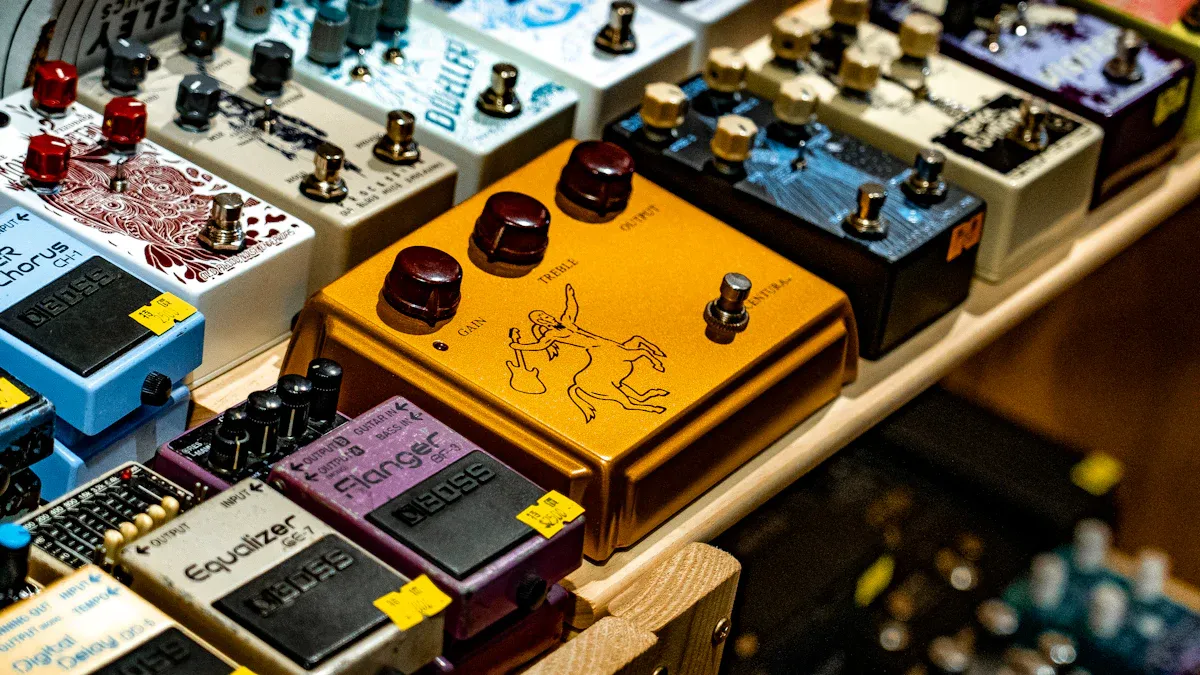
Overdrive and Distortion
You can get new sounds by using eq pedals with overdrive and distortion. If you put an eq pedal before your overdrive, you choose which parts of your sound go into the effect. This helps you make your sound tighter or punchier. Want a classic rock sound? Try turning up the mids before your distortion pedal. For a heavy metal sound, make a “V” shape on your graphic eq pedal. Cut the mids and turn up the lows and highs.
Lots of guitarists use eq pedals after distortion to fix their sound. This way, you can bring back sounds you lost and make things clearer. If your fuzz pedal sounds muddy, use an eq pedal to add brightness. You can also copy the sound of other overdrive pedals by changing the frequency bands. For example, turn up the mids for a Tubescreamer sound. Turn them down for a modern style.
Tip: Put your eq pedal after overdrive if your pedal does not have many tone controls. This gives you more ways to change your sound.
Here’s a table that shows how eq pedals change your sound with other effects:
Technique | Result |
|---|---|
Boost in mids | Guitar stands out in the mix |
Frequency restoration | Lost frequencies come back without harshness |
Mid-scoop (V shape) | Popular metal tone with tight lows and highs |
Delay and Modulation
Eq pedals are great with delay and modulation effects. If you put your eq pedal before modulation, you change the sound that goes into the effect. This makes your chorus or flanger sound smoother or more wild, depending on your settings.
If you put an eq pedal after delay or modulation, you can change the sound after the effect. This helps you make echoes brighter or reverb tails warmer. Some guitarists put modulation before overdrive for a special sound, like Eddie Van Halen.
Use eq pedals before modulation to change how effects work with your sound.
Put eq pedals after delay to make repeats clearer and easier to hear.
Make reverb tails sound better by changing frequencies after the effect.
Try putting your eq pedal in different places. You will find new sounds and textures that match your style.
You’ve got tons of ways to shape your sound with an EQ pedal. The Musontek Remeowdel gives you clear, flexible control for any style. Try moving your EQ pedal around your signal chain. You might notice:
Placing EQ before distortion shapes your pickups’ sound.
Using EQ after distortion cleans up muddy or harsh tones.
Putting EQ in the effects loop lets you re-voice your drive pedals.
Go ahead and experiment! Share your favorite settings and tricks with other players. Your perfect tone is just a few tweaks away. 🎸
الأسئلة الشائعة
How do I set up the Musontek Remeowdel on my pedalboard?
Just plug your guitar into the input and connect the output to your next pedal or amp. Place it before or after distortion for different sounds. Try both spots to see what you like best.
Can I use the Remeowdel with bass or acoustic guitar?
Yes! The Remeowdel works great with electric, bass, and acoustic guitars. You can shape your tone, remove muddiness, or add clarity. Just adjust the bands to fit your instrument.
What power supply does the Remeowdel need?
You can use a standard 9V or 18V DC power supply. The pedal accepts both. Higher voltage gives you more headroom and a cleaner sound. Make sure your power supply matches the pedal’s requirements.
Will the Remeowdel change my tone when it’s off?
No. The Remeowdel uses true bypass switching. Your signal stays pure when the pedal is off. You won’t lose any tone or volume.
What’s the best way to use EQ for solos?
Boost the mids and highs a little. This helps your guitar stand out in the mix. Step on the pedal when you solo. You’ll hear your notes cut through, even with a loud band.



